
Top Laptops for Photo, Video, and Content Editing: Best Display Picks
Last Updated On:
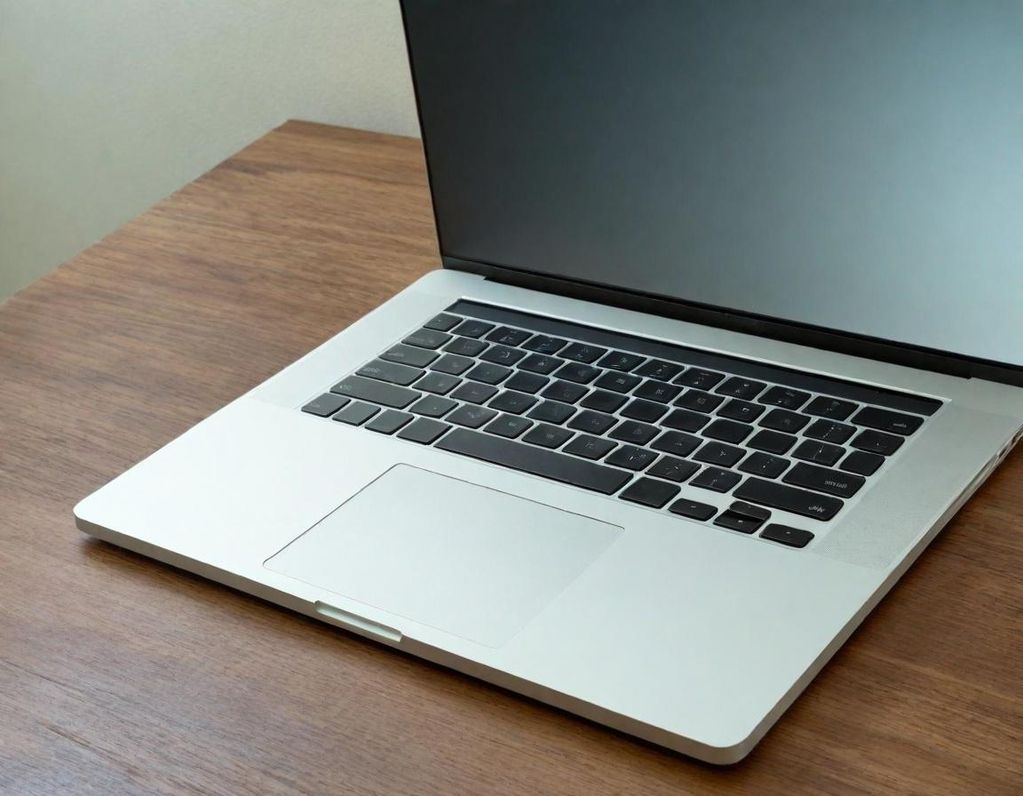
Content creation is on the rise! Every day, both ordinary individuals and professionals from various backgrounds and industries are choosing to pursue creative careers. These careers can include video editing, photo editing and digital art. Having the right tools is crucial for any creative journey. It starts with the selection of one of the best laptops for video editing in 2025.
The need for a powerful, effective and reliable laptop for editing has never been greater with over 200 million content creators in the world and a larger pool of young creators aspiring and educating themselves to become the next YouTuber and YouTube creators. Finding the best laptop for content creation and video editing is essential for the creator economy to continue thriving. Efficient editing and high-quality outputs rely on certain basic requirements for a laptop to be effective in content creation. To enhance your work processes with videos and photos, you will need a display that offers sharp images, accurate colours, and bright lighting, along with a powerful CPU and GPU, sufficient RAM, an appropriate storage size, and various connectivity features.
S.No.
Top Products
Feature
Rating
01
ASUS TUF F15 13th Gen Intel Core i7-13620H Gaming Laptop
RGB Keyboard
4.0
02
Lenovo LOQ 2024 12th Gen Intel Core i5-12450HX
Immersive 3D Audio
4.0
03
Apple MacBook Air (2022) M2 Chip
Liquid Retina Display
4.6
04
Lenovo Smartchoice Ideapad Slim 3
Stereo Speakers
3.7
05
HP Victus 13th Gen Intel Core i5-13420H
Game-Ready Drivers
3.8
ASUS TUF F15 (13th Gen Intel Core i7-13620H)
The ASUS TUF F15 may be a business machine, but it has much to offer content creators and gaming enthusiasts. With an Intel 13th Gen Core i7-13620H (2.4 GHz base speed), 16 GB RAM, and an SSD of 512 GB, there will always be enough power to complete the job. The 15.6" FHD display with a refresh of 144 Hz, 100% DCI-P3 colour and anti-glare coating means working will be a pleasurable visual experience that will also run smoothly! One feature that stood out is that it has Dolby Atmos, an RGB mini-LED backlit keyboard, and an 80% screen-to-body ratio. It is immersive while fulfilling its practical function. Because of its 90 Wh battery and good thermal manageability, I believe that long work sessions are also possible; it's a great choice for editing and rendering too!
Pros:
- Colour-accurate vibrant display
- Dolby Atmos included
- Broad connectivity options
- An anti-glare screen is included
Cons:
- Can become hot when being worked very hard
Lenovo LOQ 2024 (12th Gen Intel Core i5-12450HX)
It appears that the Lenovo LOQ 2024 is built with performance in mind. It has a 15.6" FHD IPS display with a 144Hz refresh rate and NVIDIA GeForce RTX 3050 for a GPU. Due to its dual fan and sealed thermal chamber, it is a fantastic option for photo or video editing. Its excellent thermal management will help keep the temperature low.
The Lenovo LOQ 2024 has a great AI Engine+; with Lenovo's LA1 AI chip, it will also keep the system operating optimally. When looking at its 3D audio and the speed of the processor (2.4 GHz), the Lenovo LOQ 2024 is capable of dealing with any editing you may require.
Pros:
- Amazing thermal management
- AI powered
- Outstanding refresher rate
Cons:
- Average battery life
Apple MacBook Air (2022) M2 Chip
The MacBook Air (M2 chip) continues to arguably be the best content creation laptop available for creatives considering on-the-go editing. The 13.6-inch Liquid Retina Display has a P3-wide colour gamut capable of showing more than a billion colours, which is super important for colour-accurate work.
The MacBook Air boasts an 8-core CPU and a potentially up to 10-core GPU with 24 GB of unified memory and battery for days!
Pros:
-Ultra portability
- Great colour and brightness
- Powerful
Cons:
- Very limited customizability
Lenovo SmartChoice IdeaPad Slim 3
This portable laptop features a 13th Gen Intel Core i7-13620H and can support a 15.3", 1920 x 1200 (WUXGA) display. It comes equipped with Dolby audio, dual mics, a privacy shutter, and memory that is unreasonable at 24GB, making it totally accessible for a beginner or a mid-level creator. This laptop features a fast-charging battery that provides a video playback life of 14.5 hours at moderate brightness and is TÜV Rheinland certified, which may help reduce eye strain.
Pros:
- Extremely good value
- Great memory and storage
- Well-made anti-glare and TUV-certified screen
Cons:
-Mediocre speakers
HP Victus (a 13th-generation Intel Core i5-13420H laptop)
This non-Apple creation also offers 16 GB RAM, 512 GB SSD, and NVIDIA GeForce RTX 3050. HP created the Victus because they understood that you had much more serious experience required for gaming and the fact that video editing is often shared. The 15.6" FHD micro-edge display and high refresh rate made this laptop solid for rendering and multitasking.
HP also created an office based on improved cooling with dual fans, durable construction with a full-size backlit keyboard, and quite a complete package for you, the on-the-go creator!
Pros:
-Match GPU for rendering experience
- Durable construction quality
- Upgraded thermal experience
Cons:
- Battery life could improve
How to choose the best laptop for content creation
Display: At least FHD or 2K+, with either IPS or OLED panels and a wide colour gamut (100% in sRGB or DCI-P3).
RAM and Storage: Minimum 16 GB of RAM and minimum 512 GB SSD in storage. Being able to upgrade could be a tremendous value add.
Processor: Intel Core i5/i7 (12th Gen or newer). Apple M2. AMD Ryzen 5/7 will provide an equivalent performance which offers a possibly better multitasking experience.
Graphics Card: Ideally NVIDIA RTX 3050 or greater will provide better editing and rendering workload performance.
Portability and Battery: You will want a smaller-sized device and will want a long battery backup to be able to work on the go!
You may also like

Affordable Laptops for Bloggers and Writers: Best Picks for Productivity
A creative, expressive, and writing laptop must not only possess good-quality hardware but also a comfortable keyboard, long battery life, and a responsive display and be light.

High-Performance Laptops Under ₹60,000 in India in 2025—Top 10 List
Compare laptops under 60,000 based on 10 of the best-ranked models of ASUS, HP, Dell, Lenovo, and MSI with 13th Gen Intel Core i5 processors, AMD Ryzen 7 CPUs, 16GB RAM, and even options with dedicated graphics, suitable for professionals, students, creators, and casual gamers. The sub-60,000 segment has been developed where strong performance is combined with elegant looks.
Top 10 Gaming Laptop Brands Under ₹50,000 in 2025: Affordable Power Options
This list of the best budget gaming laptops under ₹50,000 sold on Amazon will help to simplify the search process. Locating a capable gaming laptop, which does not cost more than 50,000, does not imply performance compromise anymore. The gaming market at the entry level has become very competitive, with the leading brands of laptops providing value-based models facilitating daily gaming. A lot of them are trusted brands like HP, Dell, Lenovo, and ASUS that are regularly listed as the best budget gaming laptops.

Best Lenovo Laptops Under ₹50000 You Can Buy Right Now
Lenovo manufactures laptops with a very favourable price-to-performance ratio and is one of the most recognisable brands for lower-cost laptops. Some of the best Lenovo laptops available on Amazon below 50,000 would provide the best solution to the students and low-end consumers. Competition in the Indian low-end laptop market is very intense and Lenovo has a good reputation in offering the best value to consumers who want the best at extremely low cost.